Receipt Maker Comparison 2026: 10 Tools, and the Job Each One Is Built For
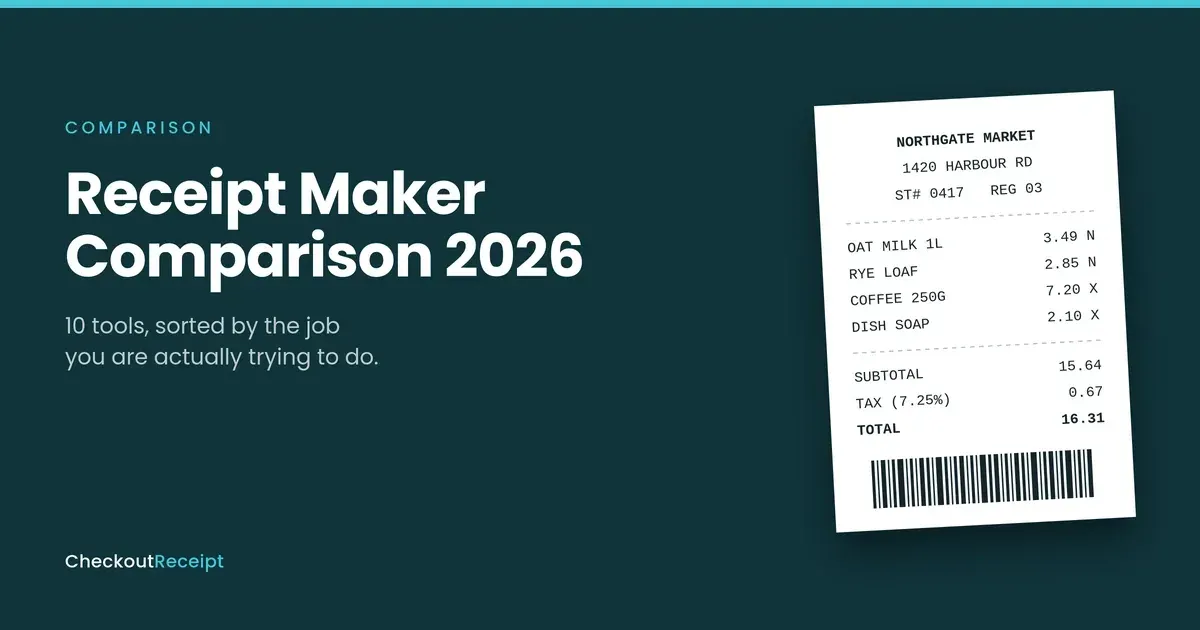
Most people do not pick the wrong receipt maker. They pick one built for a different job, then spend twenty minutes finding out. Here is the sorting logic, the ten tools, and the four details that decide whether your file is usable.
There is a particular frustration in a tool doing exactly what it was designed to do while being useless to you. You wanted something that looks like it came out of a till. You got a clean letter-sized document with your logo in the corner. Nothing malfunctioned. You landed in the wrong aisle.
That mismatch is why searching for a receipt maker, or a receipt generator, is so unsatisfying. Both phrases cover three unrelated products, and the top results reflect domain authority rather than fit. So this comparison starts somewhere other than a feature list. Disclosure, since it should change how you read the rest: we build CheckoutReceipt, which appears below, and we have tried to be specific about where it is the wrong answer.
Five jobs, not one product category
Job one: rebuilding a receipt for a purchase you genuinely made
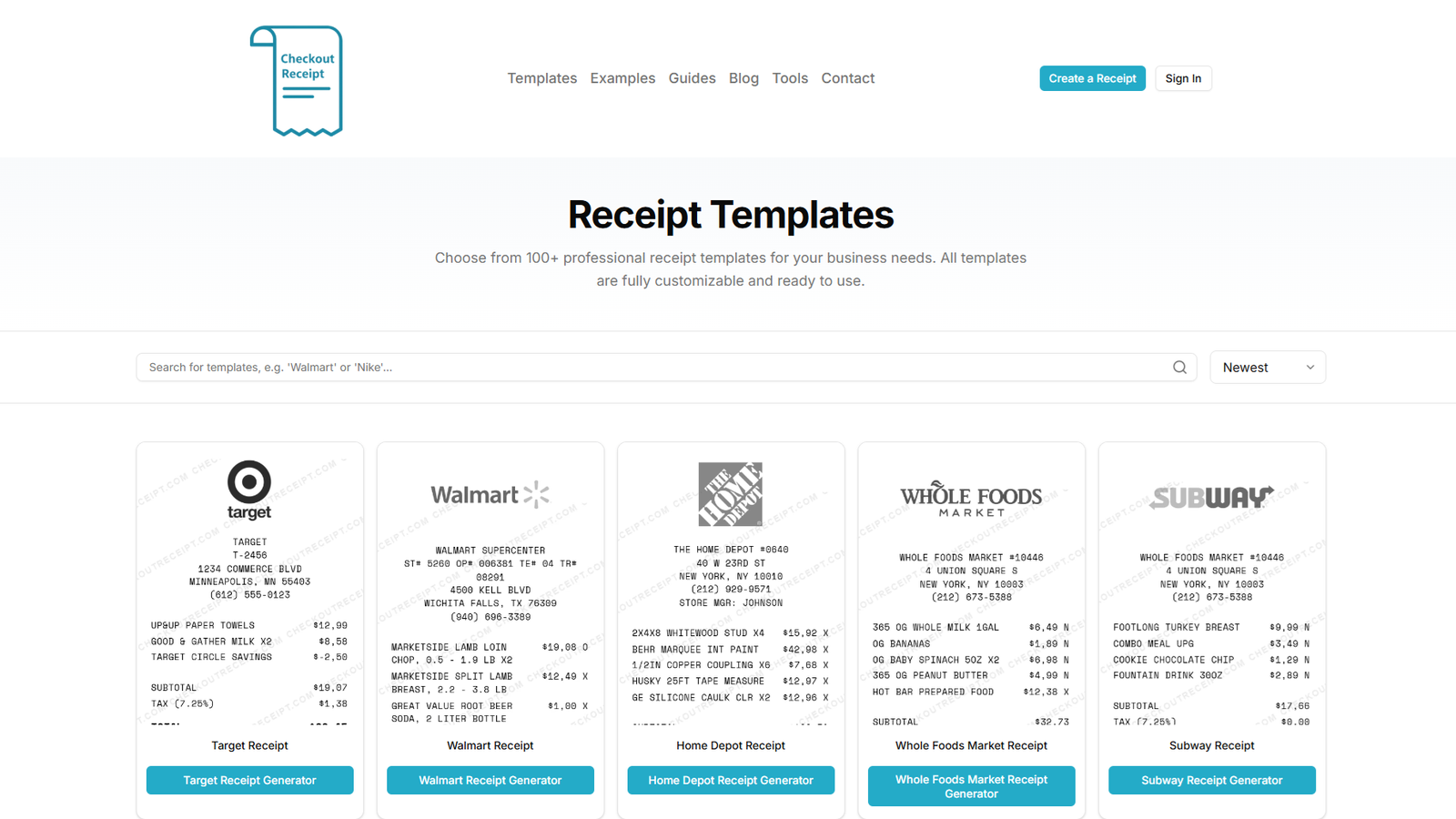
You bought something, the paper is gone, you need a record. You want a point-of-sale replica: narrow, monospaced, itemised, with a store header and transaction codes. Your bank or card statement is the source of truth. Build to match it, never the other way around, and keep the two together. If you cannot evidence the transaction independently, stop, because you are no longer documenting anything.
Job two: confirming a payment to a client
Someone paid you and wants proof. This is not a till receipt. You want a letter-sized document carrying your business details, the payment method and the date, reading as correspondence between two parties. People searching for a receipt maker for this job routinely land in a thermal-receipt tool and cannot work out why the output looks odd. The invoice versus receipt breakdown settles which one you need.
Job three: props, test fixtures and teaching material
Set dressing, sample data for a POS or OCR pipeline, worked examples for a bookkeeping class. A receipt generator with realism controls is the right category, because nobody audits a prop and accounting features are irrelevant. What matters is paper texture that reads on camera, period-correct typefaces, scannable barcode payloads rather than decorative ones, and enough structural control to match a reference image. For teaching material, use obviously invented business names.
Job four: issuing receipts for a real business, on a schedule
Here the honest answer is "not a receipt maker at all". If you hand out receipts against payments you actually received, week after week, you want software that produces the receipt as a byproduct of recording the money, so your documents and your books cannot drift apart. Every dedicated receipt maker below fails this job by design, ours included.
Job five: design is the point and the numbers are decoration
A brand mockup, a stylised prop, a retail interface concept. You want visual freedom no template library offers, and you accept that every figure on the page is one you typed and are responsible for.
Quick reference: which receipt maker for which job
| Job | Reach for | Avoid |
|---|---|---|
| Rebuilding a lost receipt | CheckoutReceipt, ReceiptFaker, ExpressExpense, MakeReceipt | Invoicing platforms, AI generators |
| Client payment confirmation | Zoho Invoice, Wave, Invoice Simple, FreshBooks | Anything thermal-format |
| Props and set dressing | CheckoutReceipt, ReceiptFaker, ExpressExpense | Invoicing platforms |
| POS and OCR test fixtures | CheckoutReceipt, ReceiptFaker | Canva, AI generators |
| Recurring business receipts | FreshBooks, Wave, Zoho Invoice | Every dedicated receipt maker |
| Design-led visuals | Canva | Everything else |
| Anything where a figure must be right | Any tool that computes | AI image generators |
Pricing across this category was restructured repeatedly through 2025 and 2026, so the notes below describe pricing shapes rather than figures that go stale within a quarter.
The ten receipt makers, briefly
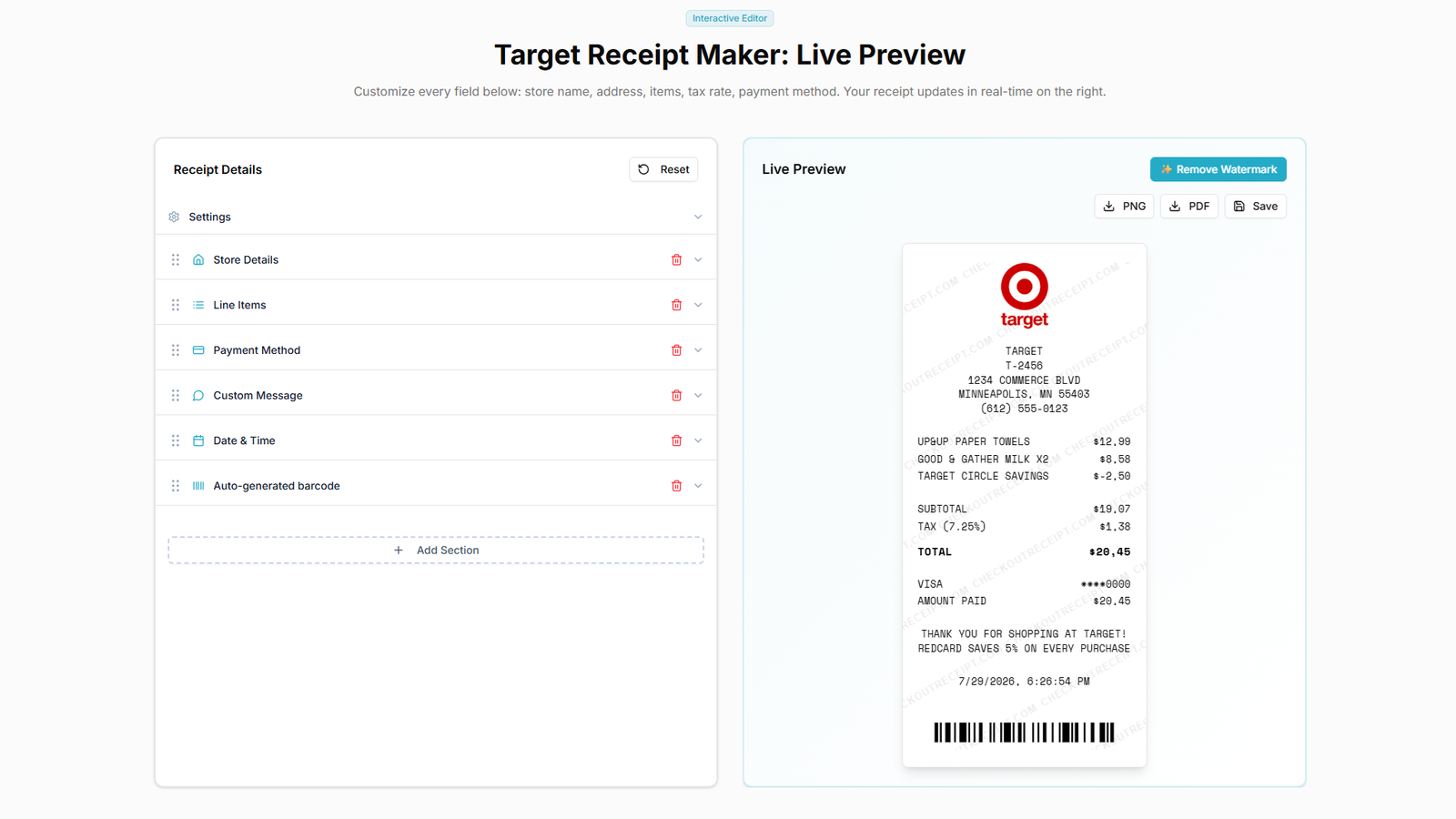
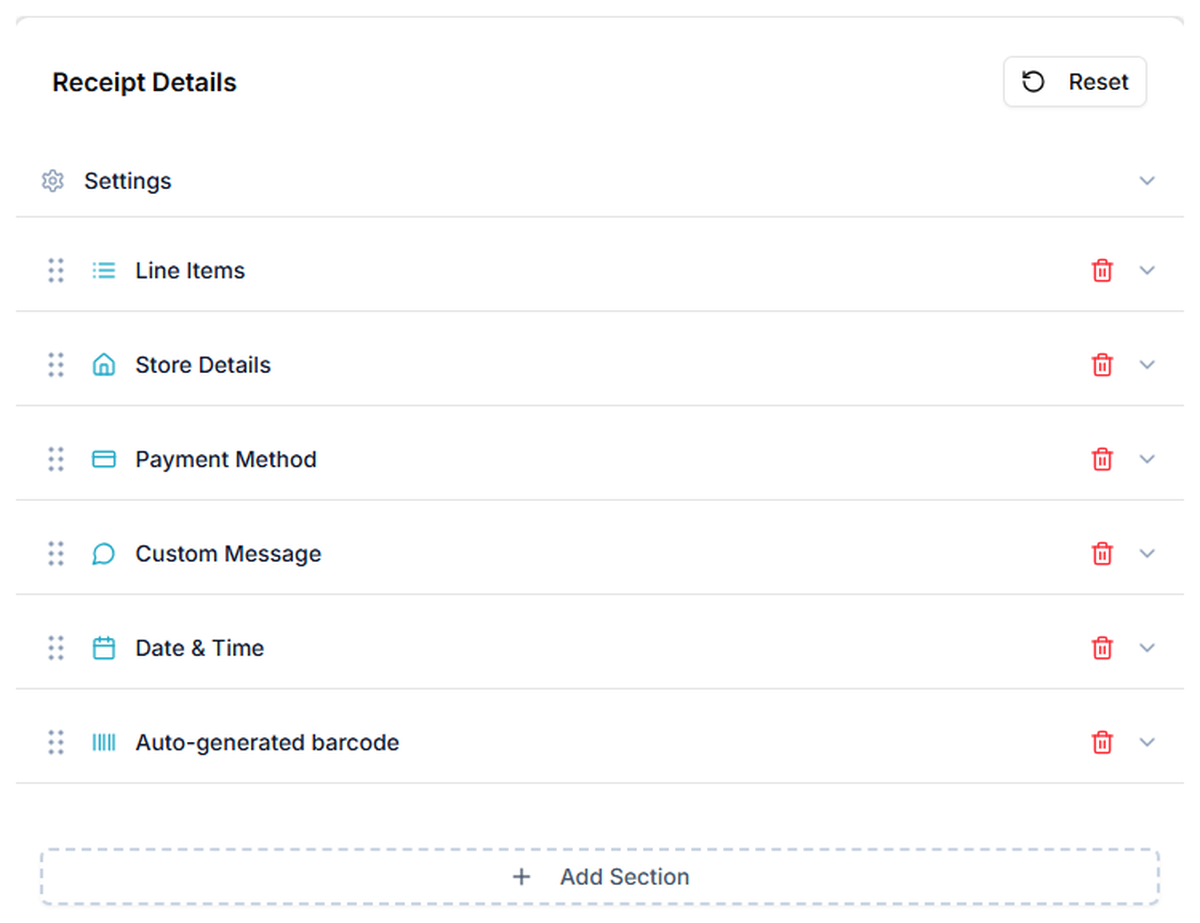
CheckoutReceipt. Point-of-sale replicas built from modular sections rather than a fixed form, so the header, item list, totals block and barcode can each be added, removed or reordered. Thermal and typewriter typefaces, aged and creased paper textures, generated barcode payloads, and 100+ store templates plus format-based layouts under the receipt generator hub. Rendering happens in the browser and contents are not stored server-side, which is also why there is no saved history and no bulk generation. Job four is out of scope. Free exports carry a small watermark.
ReceiptFaker. The closest competitor to ours and the one we would point you at if our editor does not suit. Broadest chain coverage of any receipt maker here, including formats we do not carry. Editing is structural rather than form-driven. Pricing includes a short-duration pass, which is the right shape for someone needing a few clean exports once. The name is doing search work rather than describing the product; their terms match ours.
ExpressExpense. One of the longest-running receipt generators here, with a wide spread of restaurant, fuel, taxi, parking and grocery styles, with an iOS app most rivals lack. The constraint is JPG-only export. JPEG artefacts cluster around exactly the sharp high-contrast edges receipt typography is made of, so anything printed looks soft. Input is form-based, so the layout you get is the layout you keep.
MakeReceipt. An established library of store-branded layouts and a short path to output. Worth checking for a specific chain other tools skip. Form-driven editing, an aged interface, and clean export behind an account and payment, so you commit time before seeing what an unwatermarked file looks like.
Zoho Invoice. The strongest free option in the invoicing category, no watermark, solid multi-currency, connected to the wider Zoho suite. Completely wrong for job one: the underlying document model is an invoice and no configuration turns it into a till receipt.
Wave. Guided flow, automatic tax, and a direct link into double-entry bookkeeping, which is the correct architecture when the receipt reflects money you actually received. One correction to older comparisons: Wave is no longer uniformly free. It split into Starter and Pro in 2024, features have continued moving behind the paywall, and legacy accounts migrated during 2026. Full functionality targets the US and Canada.
Invoice Simple. The most polished client-facing experience here. Saved client and item records, receipt-to-invoice conversion, and read notifications telling you when a client opened the document, which nothing else offers. Invoice-style output only.
FreshBooks. Proper accounting software with time tracking, expense capture and reporting, where receipts are generated from recorded transactions so documents and books cannot diverge. Also the most expensive option here by a distance, and subscription-only. Sensible if you needed accounting software anyway, absurd if you needed a receipt.
Canva. Unlimited layout freedom and the only tool here that can produce a receipt looking like nothing any receipt maker makes. It also has no concept of a line item, so every total is a text box you typed. The failure mode is quiet: a Canva receipt with an arithmetic error looks completely professional, so the mistake survives review in a way it would not in a tool that computes.
ChatGPT and AI image generators. The maths is wrong routinely rather than occasionally. Text degrades into misspelt store names and phantom items. The same prompt yields a different layout each run, so a matching set is impossible, and one wrong line means regenerating everything. Major generators now embed C2PA content credentials, metadata designed to travel with the file and identify machine-generated images, and expense platforms have started reading it.
Four details that decide whether your receipt is usable
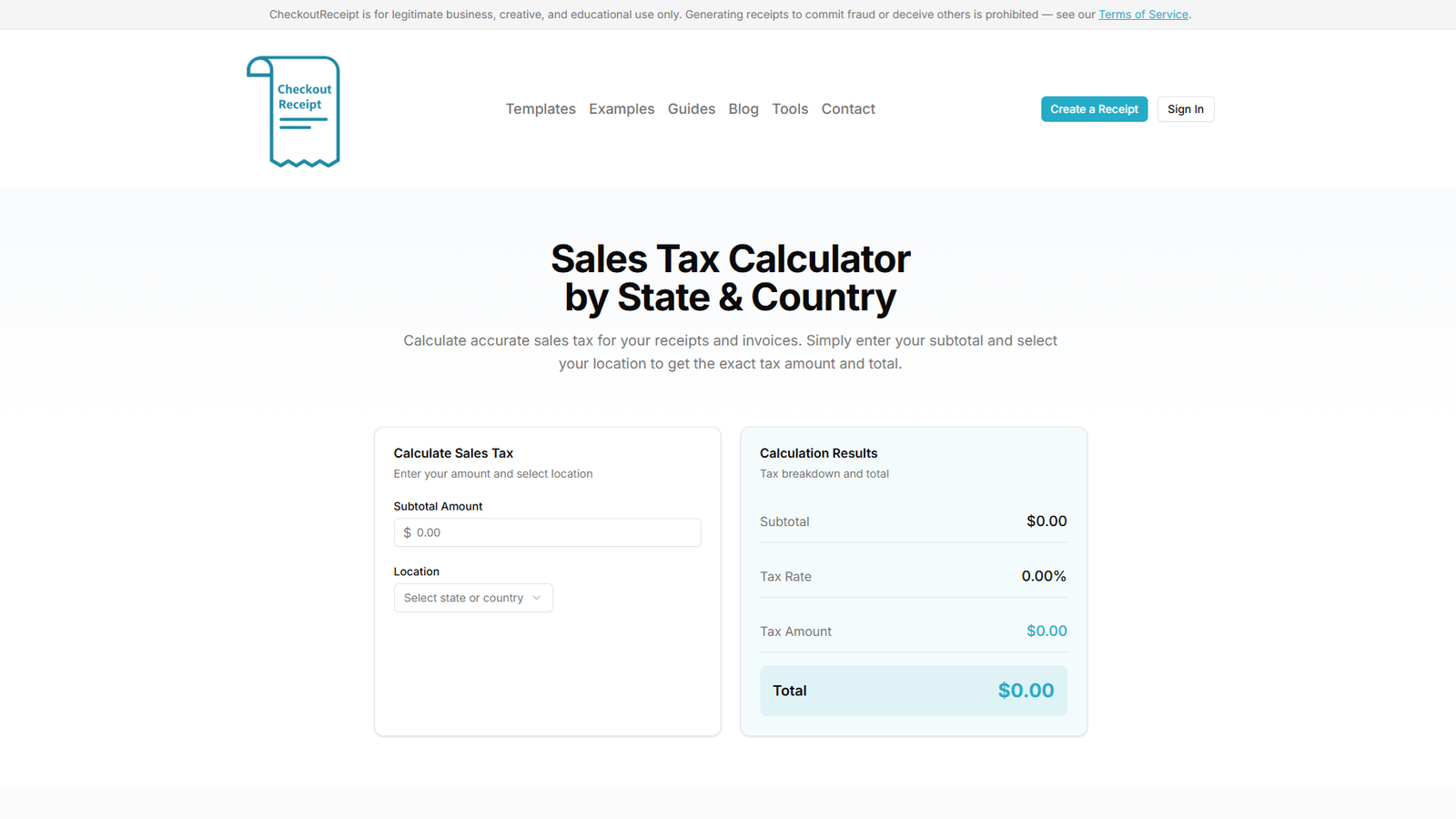
Tax that only understands one rate. Nearly every receipt maker advertises automatic tax and means one rate on one subtotal. Around thirty US states exempt unprepared groceries, so a genuine supermarket receipt carries taxable and exempt lines together with tax applied only to the taxable subset. Many jurisdictions itemise state, county and city separately. There is also a direction problem: US receipts add tax to net prices, UK and EU receipts state the VAT contained within a gross total, and the arithmetic runs opposite ways. A sales tax calculator handles both, and how the combined US rate is built explains why an implausible rate for a stated location stands out. The test: try to mark one line exempt while the others stay taxed. Most tools cannot.
Format and resolution. Thermal printers typically run 203 dpi, and a standard till roll is 80mm wide, giving roughly 640 pixels of printable width. Export around 1200 pixels for headroom; below 800 it goes soft. PNG for screen and expense portals, PDF for records and printing because it preserves page geometry rather than leaving a driver to guess. Set paper width before exporting: an 80mm receipt on a 58mm roll truncates the right edge, where the totals column lives.
The field most templates omit. Almost every template on the market follows a US retail model. In the UK or EU, a receipt with any tax purpose needs a VAT registration number, and its absence is the usual reason a reclaim is refused. US expense substantiation generally needs the amount, date, vendor and nature of the expense, retained around three years from filing against six for UK VAT. Legible digital copies are fine in both. General information, not tax or legal advice.
Where your typed data goes. You are entering a business name, an address, amounts and dates. Some tools render entirely in your browser; others post inputs to a backend and retain them. For anyone handling client financial details this is a professional obligation rather than a preference, and it is worth checking before you type.
Three questions before you send anything
The line between documentation and fraud is not blurry, and it has nothing to do with which receipt maker produced the file.
Did the transaction happen? A precise reconstruction of a real purchase is documentation. A pixel-perfect receipt for a purchase that never occurred is a forged instrument, regardless of the software.
Does anything differ from the real transaction? Adjusting an amount, date or vendor moves it across the line even if the purchase was genuine.
Would you be comfortable explaining how it was made? "I lost the original and rebuilt it from my card statement, here is the statement" ends fine. If the honest version would end the conversation badly, do not send the document.
Legitimate uses include reconstructing your own records, production props, test fixtures, teaching material, design mockups, and issuing a genuine receipt where no till produced one. Submitting a fabricated receipt for reimbursement, a deduction, a refund or an insurance claim is fraud, and expense fraud is routinely treated as gross misconduct even without prosecution. The catching mechanisms are mostly not visual: arithmetic checks and duplicate image hashing first, then file provenance, then corroboration against a card statement or the merchant's own records. A reconstruction survives all of it because the transaction is real and evidenced elsewhere.
What shifted in 2026
Free tiers contracted, with Wave's Starter and Pro split the clearest case, so treat any article calling an invoicing platform simply free as a claim with an expiry date. Pricing fragmented across free tiers, short passes, subscriptions and tiered memberships, which means comparisons still quoting one-off template prices describe a market that no longer exists. AI receipts became their own expense-fraud category once image models got plausible in 2025, and the result is inverted from what people assume: AI output is now the most likely to be flagged, not the least. Provenance metadata moved from proposal to deployment, attached by major generators and read downstream.
Receipt maker FAQ
Which receipt maker is free? Zoho Invoice is genuinely free with no watermark for invoice-style documents. Among point-of-sale tools, CheckoutReceipt and ReceiptFaker both give you the full editor and template library at no cost, with a watermark on free exports.
Is a receipt maker different from a receipt generator? No, the two terms are used interchangeably. The distinction worth caring about is point-of-sale replica versus invoice-style document, which cuts across both labels.
What is the best receipt maker for a lost receipt? A dedicated point-of-sale tool, used for a purchase you genuinely made. Take the amount, date and vendor from your statement, build to match, and keep the two together.
Is there a receipt maker for rent receipts? Rent receipts are frequently required by law to state the period, amount, method and both parties, and are often a tenant's only proof of payment. A rent receipt format covers the required fields; month-to-month consistency matters more than appearance.
Can a receipt maker handle grocery receipts with exempt items? Almost none can. Single-rate tax is the standard limitation across the category, which is why the exempt-line test above is the one worth running before you commit time to any tool.
Which receipt maker to pick
Sort by job, then by tool. For register-style output with real structural control, the dedicated receipt makers lead, and the choice among them comes down to chain coverage against editing freedom and where your data is processed. For client-facing confirmations, Zoho Invoice is the best free option and Invoice Simple the most polished. For design freedom, Canva, with every number your responsibility. For anything where a figure has to be correct, not an image model.
And the answer nobody in this category likes giving: if you are a real business issuing real receipts on a recurring basis, do not use a receipt maker at all. Use software that produces the receipt because you recorded the payment. These tools are built for reconstruction, props, fixtures and teaching, and they are very good at those. Bookkeeping is not on the list.
If job one, three or five brought you here, you can build one in the browser with no account: 100+ store templates, modular sections, automatic tax, PNG and PDF export. For legitimate use only.